

Foliage Wind in Architecture Animation: The Two-Frequency Method
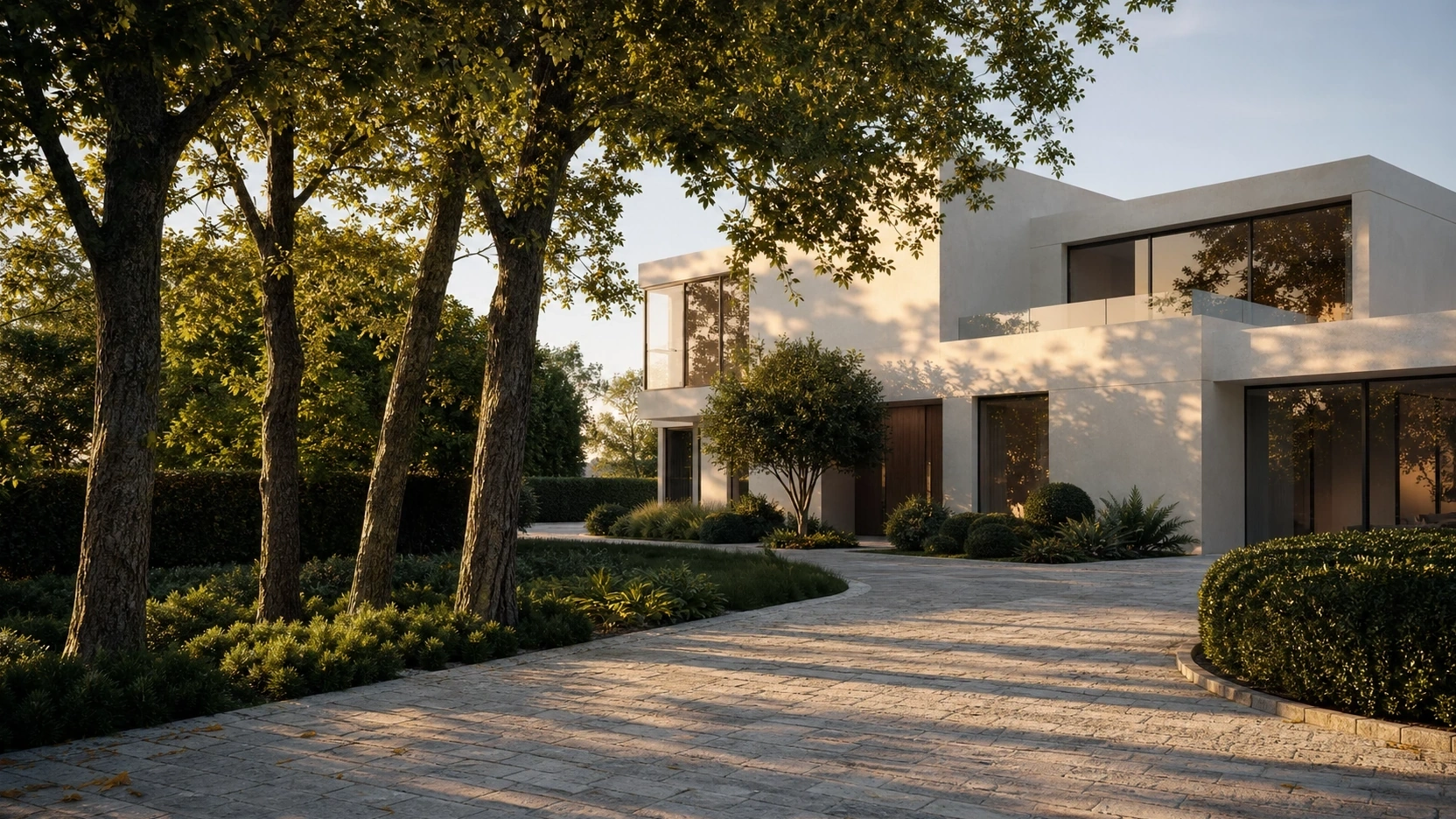
Why Foliage Wind Looks Wrong in Most Architecture Animations
The Single-Frequency Problem
Single-frequency wind drives all parts of the tree at the same speed and the same oscillation rate. Trunk, branch, twig, and leaf all move at an identical rhythm. The result is uniform, and the human eye reads it as unnatural.
Common symptoms in architecture animation:
- All trees in the scene sway in perfect synchronisation, as if connected by a single invisible rod
- Individual leaves flutter at the same rate and direction as the branches that carry them
- Movement reads as cloth or fabric rather than articulated plant structure
- Wind appears to switch off and restart at a visible loop point where the animation cycles
Real wind does not work this way. Trunk sway has a period measured in seconds. Individual leaf flutter has a period measured in fractions of a second. These two movements are physically independent. The leaf responds to turbulence in the immediate airstream around it, not to the same forces acting on the trunk.
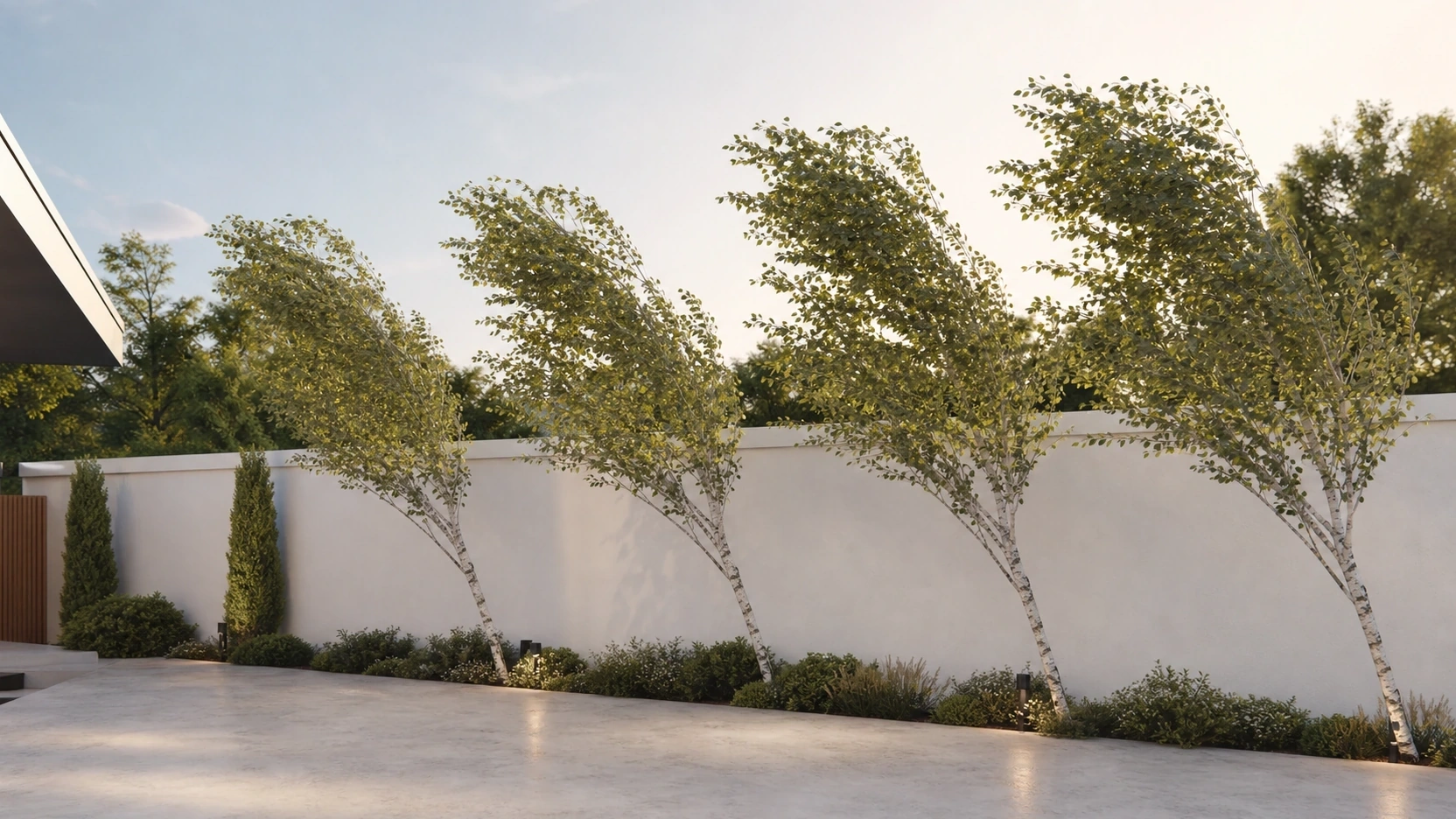
What Correct Wind Looks Like
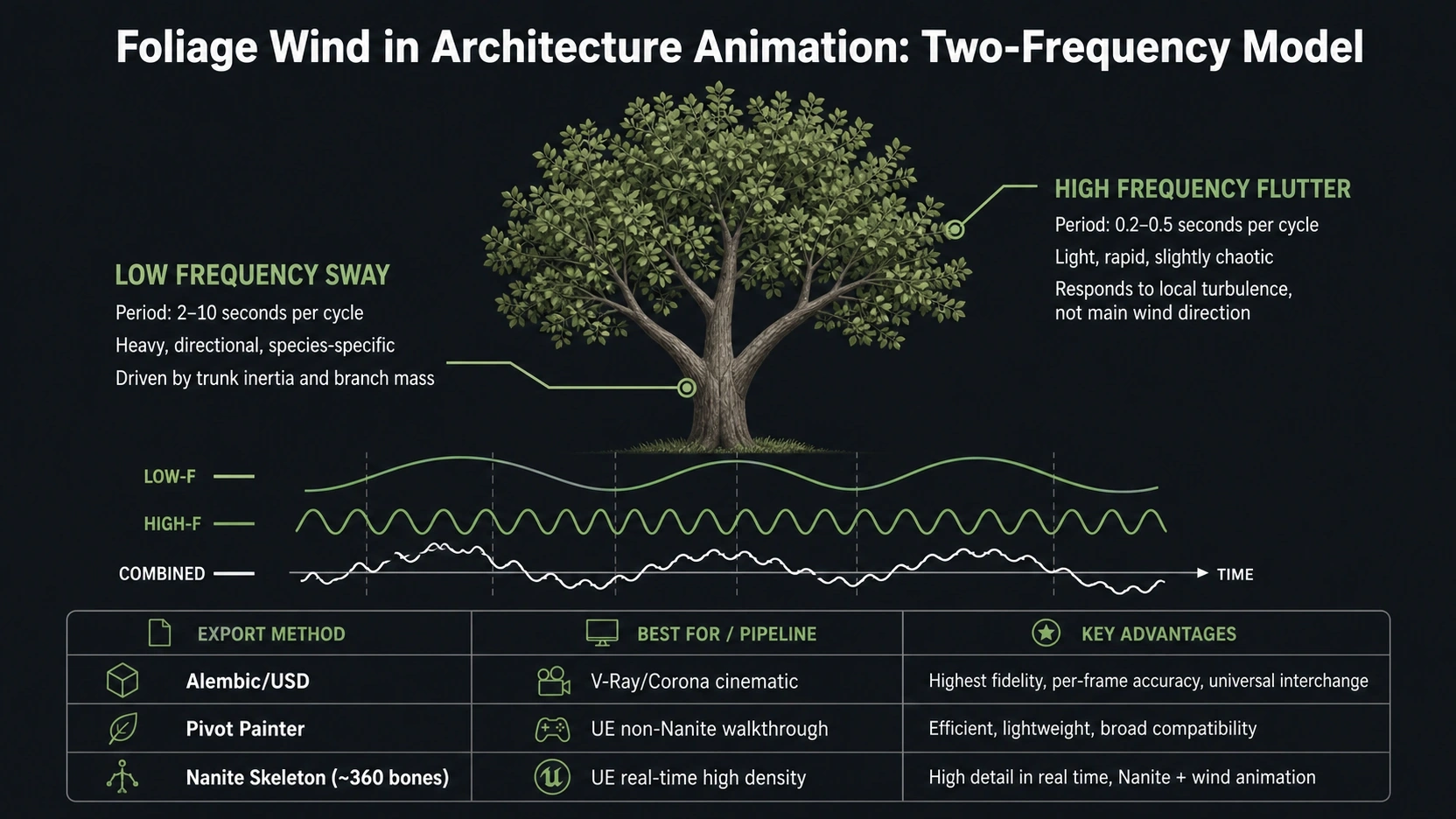
Correct foliage wind is two motions running at different frequencies simultaneously.
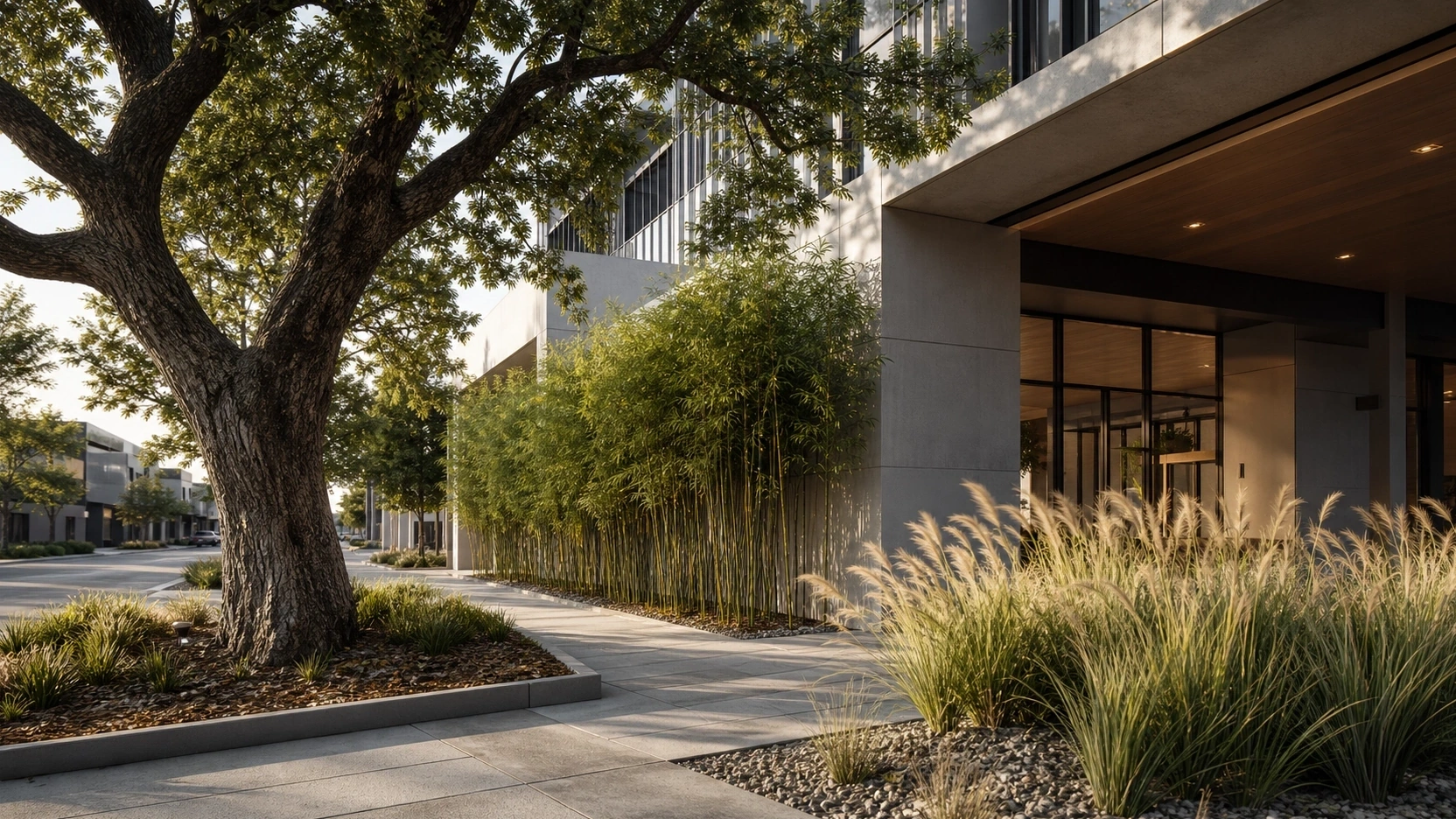
The low-frequency layer is trunk and primary branch sway. A full sway cycle takes 2 to 10 seconds depending on tree species, height, and wind strength. A large oak sways very slowly; a stand of bamboo sways faster but the movement is concentrated above the fixed cane bases. At long camera distances, this is the only movement visible.
The high-frequency layer is leaf flutter and twig vibration. A full flutter cycle takes 0.2 to 0.5 seconds. It is rapid, light, and slightly chaotic. At close camera distances, this is what separates a believable tree from a digital asset.
These two layers operate simultaneously but independently. The branch sway sets the gross motion; the leaf flutter adds the surface texture of movement that the eye reads as organic. At any viewing distance in the architecture animation, the foliage should read as physically plausible at the camera distances used in the project.
SpeedTree Wind Configuration for Architecture Animation
Starting with the Wind Wizard
SpeedTree‘s Wind Wizard (Tools > Wind Wizard) is the correct starting point for every tree in an architecture animation. It analyses the tree’s geometry and branch hierarchy and applies base wind properties calibrated to the structure’s specific mass and form. Running it before any manual parameter adjustment prevents the common error of applying identical wind settings to fundamentally different tree types.
After the Wind Wizard runs, the tree has a working baseline. All subsequent changes are refinements from this baseline, not overrides from a blank state. Overriding a blank state without the baseline produces settings that may look correct in isolation but fail when multiple tree species are placed in the same scene.
Configuring Response Time and Gust
Response time defines the tree’s inertia in reacting to wind changes. Practical starting values by tree type:
- Heavy mature tree (oak, cedar, established pine): 1.5 to 3 seconds
- Medium ornamental tree (birch, cherry, young eucalyptus): 0.5 to 1.5 seconds
- Light shrub or ornamental grass: 0.2 to 0.6 seconds
- Bamboo: 0.3 to 0.8 seconds (fast response with a distinctive rebound oscillation)
Gust Frequency and Gust Strength (Fan overlay) break the repetitive cycle. In architecture animation, looping wind where all trees sway in identical phase cycles is one of the most immediately visible markers of default settings. Set Gust Frequency for irregular timing breaks and Gust Strength to vary the amplitude of each gust.
Branch motion (VFX Branch Motion properties): set bending and turbulence separately. Bending drives the directional lean. Turbulence drives perpendicular oscillation. Both are required — bending without turbulence looks stiff; turbulence without bending looks random.
Export Method by Render Workflow
Three export methods serve different downstream workflows:
- Alembic or USD point cache (SpeedTree VFX Wind mode): full geometry deformation baked per frame. Highest visual fidelity. Correct for cinematic renders in V-Ray or Corona. Large file size: a 10-second shot of a mature tree can produce 200MB to 500MB as an Alembic cache.
- Pivot Painter (Unreal Engine, non-Nanite): encodes per-vertex wind animation data into texture maps. The foliage material shader reads the texture at runtime without per-frame geometry deformation. Most efficient for UE-based architectural walkthroughs.
- Nanite skeleton-based wind (Unreal Engine 5.x): approximately 360 bones per tree on Nanite-enabled high-polygon assets. Best for real-time walkthroughs with high foliage density where visual quality must match cinematic output.
For how camera speed and shot duration interact with foliage-heavy shots, see our post on 3D architectural walkthrough camera speeds.
Scene-Level Wind Control in Unreal Engine
Material Parameter Collection (MPC)
A Material Parameter Collection (MPC) is a single Unreal Engine asset that broadcasts wind parameters to all foliage material instances in the scene. Without it, each foliage asset carries its own disconnected wind values, producing visual inconsistency where different tree species appear to experience different wind conditions in the same shot.
Setup: create one MPC asset per project. In each foliage material, replace hard-coded wind speed, direction, and intensity values with references to the MPC parameters. At render time, adjusting the MPC values propagates to every foliage instance simultaneously. Wind can be keyframed in Unreal Sequencer by animating the MPC parameters over the timeline.
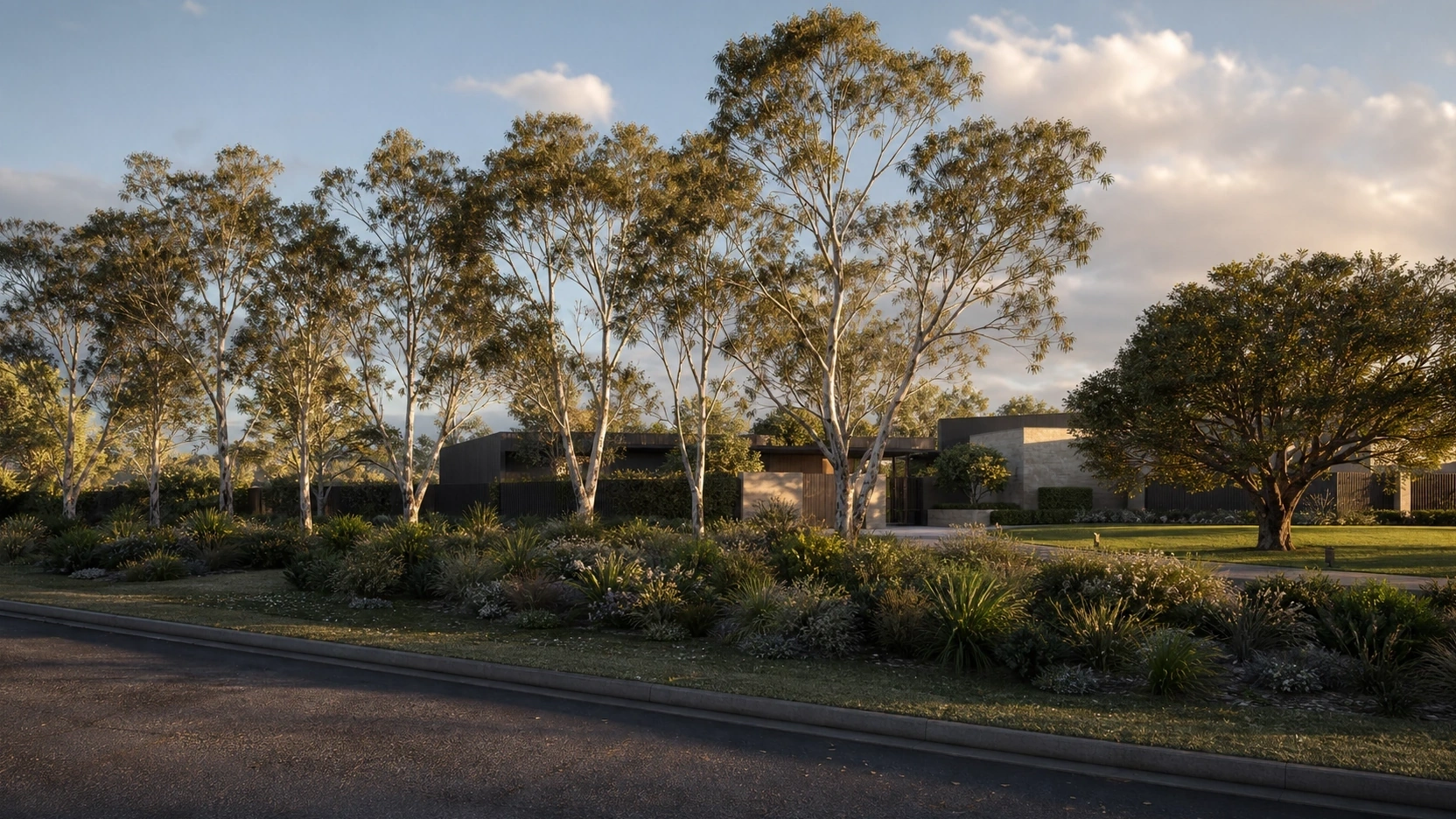
Instance Random Offset and Loop Management
Instance random offset is a material shader parameter that applies a random phase offset between 0 and 1 to each individual tree instance. Without it, every copy of the same tree asset sways in exactly the same phase — identical timing, identical angle. The human eye detects this synchronised movement immediately.
With instance random offset enabled, each tree instance receives a random phase shift from the full animation cycle. A planted group of trees sways in a naturally staggered pattern where individual trees are at different points of their cycle at any moment.
Loop management: if the architecture animation contains a looping segment, wind cycle start and end states must match. A mismatch produces a visible freeze-and-snap at the loop boundary. In Unreal Engine Sequencer, match the wind curve values at the first and last keyframe of the loop segment and add a slight ease-in at the start. In SpeedTree, set the explicit loop length before export and verify the wind state returns to its start position over the final 10% of the cycle.
At a professional 3d visualization studio, foliage wind is configured at the asset preparation stage for every architecture animation project. Each tree type receives its own response time and gust settings before entering the scene.
For specialist architecture animation services, visit our architectural animation page.
What to Know
- Foliage wind in architecture animation requires two simultaneous frequencies: low-frequency branch sway (2 to 10 seconds per cycle) and high-frequency leaf flutter (0.2 to 0.5 seconds per cycle). Single-frequency wind produces cloth or fabric appearance.
- SpeedTree: start with Wind Wizard. Set response time by tree type: heavy 1.5 to 3 seconds, light 0.2 to 0.6 seconds. Configure Gust Frequency and Gust Strength to break loop repetition. Set bending and turbulence separately on branch generators.
- Export by workflow: Alembic or USD for V-Ray and Corona cinematic renders; Pivot Painter for non-Nanite UE walkthroughs; Nanite skeleton-based wind (~360 bones) for high-density real-time UE scenes.
- Use one Material Parameter Collection (MPC) in Unreal Engine to control wind direction, speed, and intensity across all foliage. Without MPC, species appear to experience different wind conditions in the same shot.
- Instance random offset eliminates synchronised sway across tree instances. Match wind curve start and end states to prevent freeze-and-snap at animation loop points.
Frequently Asked Questions
Why does foliage look unnatural in architecture animation?
Foliage looks unnatural when all parts of the tree move at a single frequency. Real wind operates at two simultaneous frequencies: slow low-frequency sway of branches and trunk, and fast high-frequency flutter of leaves and twigs. When collapsed into a single rate, the result reads as fabric rather than organic plant structure. The second common cause is synchronised sway across all tree instances, fixed with instance random offset in the material shader.
What are the best SpeedTree settings for architecture animation?
Start with Wind Wizard (Tools > Wind Wizard) before any manual parameters. Set response time by tree type: 1.5 to 3 seconds for heavy mature trees, 0.2 to 0.6 seconds for light shrubs or grasses. Configure Gust Frequency and Gust Strength in the Fan overlay to break repetitive cycles. Set bending and turbulence separately in VFX Branch Motion properties on each branch generator level.
Should I use Alembic, Pivot Painter, or Nanite for foliage in architecture animation?
Alembic or USD for cinematic renders in V-Ray or Corona — full per-frame geometry deformation, highest fidelity, large file size. Pivot Painter for Unreal Engine walkthroughs using non-Nanite assets — texture-encoded, efficient, shader-driven. Nanite skeleton-based wind for UE 5.x scenes with high foliage density — approximately 360 bones per tree, real-time performance with cinematic-grade output.
How do I control wind across all foliage in an Unreal Engine architecture animation?
Create one Material Parameter Collection (MPC) asset. In each foliage material, replace hard-coded wind values with MPC parameter references. All foliage instances in the scene receive wind speed, direction, and intensity from a single source. Wind can be keyframed in Unreal Sequencer by animating the MPC parameters over the timeline.
How do I prevent foliage from looking synchronised in architecture animation?
Enable instance random offset in the foliage material shader to phase-shift the wind animation per instance. Verify that Gust Frequency variation is configured in SpeedTree before export. Together, source-level gust variation and instance-level phase offset produce natural staggered sway across a planted group with no additional per-instance manual work.
Conclusion
Foliage wind in architecture animation is a precision problem, not a creative one. The two frequencies exist in reality; the task is to replicate them correctly in the pipeline, from SpeedTree configuration through to scene-level MPC control in Unreal Engine. The decisions made at asset preparation determine what the camera sees at render time.
At RenderInfinity, foliage wind is part of the asset brief. If you are planning an architecture animation with landscaping and want foliage that reads as physically correct at every camera distance, visit our architectural animation services page or send us your project brief.